Feature checklists do not tell the whole story
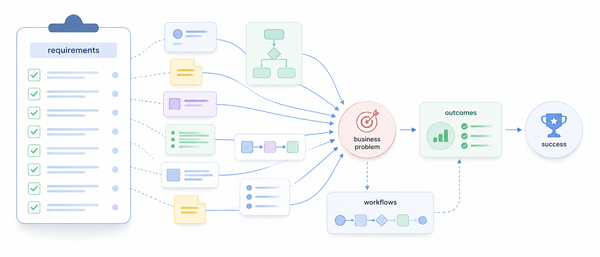
A platform can meet a requirement on paper and still create problems in practice. The real question is not only whether a feature exists, but how it works.

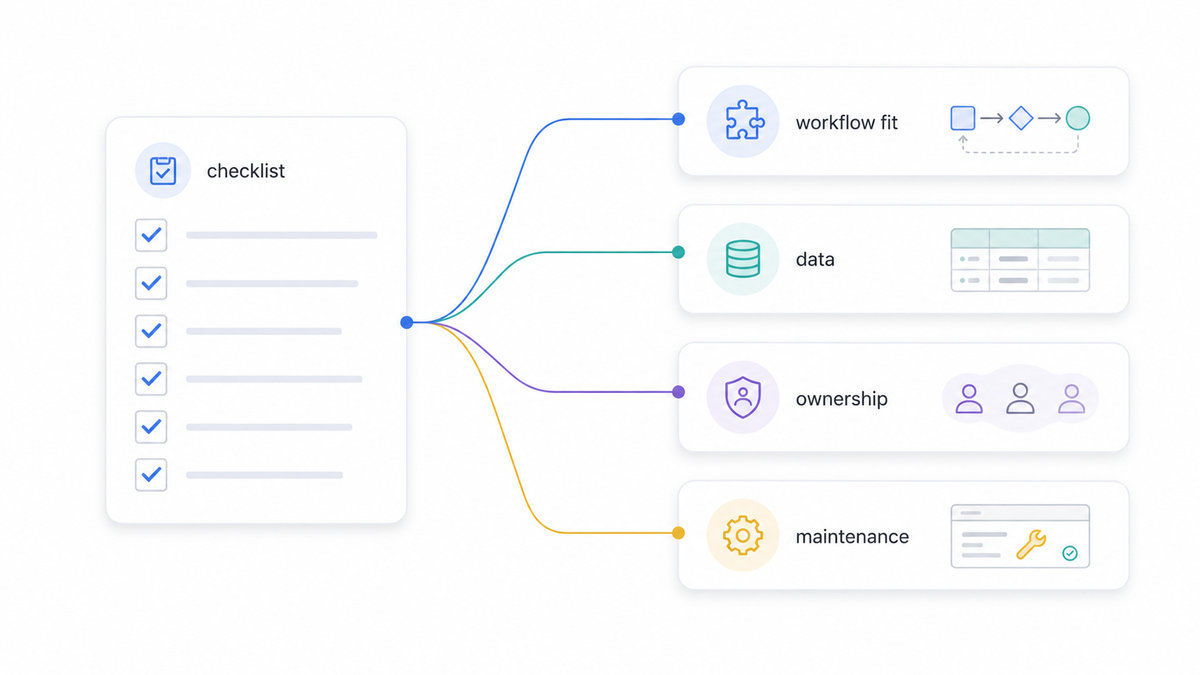
When organizations compare platforms, the process often starts with a checklist.
Feature A: yes or no.
Feature B: native or custom.
Feature C: available now or on the roadmap.
Integration: supported or not supported.
Reporting: standard or advanced.
This is useful. A checklist creates structure. It helps teams compare options and avoid relying only on impressions from a demo.
But a checklist can also create a false sense of clarity.
Two platforms can both answer “yes” to the same requirement and still behave very differently in practice.
One may support the feature natively, but only in a rigid way.
Another may support it through configuration, but require careful setup.
Another may support it through an API, which means the real effort sits in the integration layer.
Another may technically support it, but not in a way that fits the organization’s workflow.
So the better question is not only:
Does the platform support this requirement?
It is also:
How does it support it, and what does that mean for the organization?
That difference matters.
A feature can be present in the product but difficult to operate.
An integration can exist but require unclear ownership between teams.
A workflow can be configurable but hard to maintain over time.
A reporting module can look strong in a demo but depend on poor-quality source data.
A permission model can seem flexible but become difficult to govern.
This is why platform evaluation needs to go beyond “yes”, “no”, and “partially”.
For each important requirement, I like to understand four things.
How native is it?
Is the capability part of the standard product, or does it depend on custom work, third-party tools, scripts, API calls, or manual processes?
There is nothing wrong with extension or integration. But the team needs to know where the responsibility sits.
A native feature usually creates less implementation risk.
A custom or integrated solution may create more flexibility, but also more design, testing, support, and governance work.
How close is it to the real workflow?
A product may support a process in theory, but not in the way users actually work.
This is especially important when the business process has exceptions, approvals, multiple roles, or handovers between teams.
If the platform forces too many workarounds, the issue may not appear during selection. It appears later, when users start operating the system every day.
What data does it depend on?
Many features depend on data being accurate, available, structured, and synchronized.
Before treating a feature as “available”, it is worth asking:
Where does the data come from?
Which system is the source of truth?
How often is the data updated?
What happens when the data is missing or wrong?
Who is responsible for fixing it?
Sometimes the real challenge is not the feature. It is the data model behind it.
Who will maintain it?
A requirement is not fully solved at launch.
Someone will need to maintain configuration, manage exceptions, monitor integrations, update workflows, support users, and adapt the setup when the business changes.
If a feature is powerful but too complex for the operating team, it may not be the right fit.
The best platform evaluation does not only ask what the product can do.
It asks what the organization will be able to implement, operate, and improve realistically.
A checklist is a useful starting point.
But the real work begins when every important “yes” is followed by a second question:
Yes, but how?